Modules from the system that runs my restaurant every day
I built and operate a complete operating system for my own restaurant. Below are 27 modules I can deploy in your company. Not mock-ups, but code that runs every day.
Bookings and customer service
Online booking that filters out spam and errors on its ownLive in production
“The phone never stops ringing, and the web form collects junk and duplicate requests”
- Customers only see slots that are genuinely free: opening hours, holidays, blocks and capacity are calculated live.
- Every request passes 14 checks: anti-spam, duplicates, dates in the past, customer history.
- Simple bookings confirm themselves; large or risky ones wait for a human decision.
- The customer gets a confirmation, staff get a text message, and the contact lands in the CRM.
Who for: salons, clinics, workshops, hotels, rental companies, escape rooms
Appointment reminders and Google review requestsLive in production
“Customers forget their appointments, and happy ones never leave a review”
- The day before and on the day, the customer gets a text or email — nothing is sent at night.
- Foreign phone numbers receive the message in English.
- After the visit, a review request arrives with a direct link to the Google profile.
Who for: clinics, salons, car services, vets, hotels
Customer self-service: reschedule or cancel without a phone callLive in production
“Every change of date means a phone call and retyping it into the calendar”
- A link in the confirmation opens the customer’s booking card.
- The customer changes the date or party size, or cancels — under the same rules as a new booking.
- Staff and the owner are notified of every change.
Who for: salons, clinics, hotels, schools and courses, service centres
Fallback queue: no request is lost when something failsLive in production
“When the server goes down, we lose orders without even knowing it”
- Database error on save? The request goes to a separate store, and the customer sees “received”.
- Staff get an alert: “queued, do not enter manually”.
- Every 2 minutes an automation replays the queued requests and reports what it saved.
Who for: any order or request form: e-commerce, B2B, medical practices
Customer reputation and blocklistLive in production
“The same customers keep booking and not showing up, while we hold their place”
- For every request, the system checks the no-show history by phone number and email.
- Risky customers go to manual approval, and the owner gets an alert.
- The warning is visible on the case card, in the CRM and next to messages from that person.
Who for: hospitality, hotels, rental companies, any service with a no-show problem
Enquiries, quotes and B2B sales
Case hub with a sales pipeline: from enquiry to depositLive in production
“Enquiries about larger jobs live in inboxes, notebooks and one person’s head”
- Every enquiry becomes a case card with stages: new → quote → awaiting customer → contract → deposit.
- Today / Cases / Calendar views, with the history of every conversation and call.
- Pricing from the price list and resource assignment (room, area, crew) in one place.
Who for: hotels and venues, catering, event agencies, training, B2B services
AI reads the inbox and fills in the enquiry calendarLive in production
“The date and headcount from a customer’s email have to be typed into the calendar by hand”
- The company mailbox syncs every 30 minutes.
- AI extracts the date, headcount and company from emails, then creates or updates the entry in the demand calendar.
- When a customer has replied and we have not, a “reply to customer” task is created.
Who for: any business taking enquiries by email: B2B, hotels, law firms, construction
Morning “To do today” and a “customer waiting” alertLive in production
“We reply to customers too late because nobody tracks who is waiting for an answer”
- One morning summary on your phone: unanswered enquiries, customers who replied, quotes to follow up.
- An afternoon alert if a customer has replied and the company has not.
- One notification with a list of specific actions, instead of ten separate ones.
Who for: any business with a salesperson or an enquiry desk
AI-drafted follow-ups after a quoteLive in production
“Quotes go out and die, because nobody remembers to follow up”
- 3, 5 and 7 days after a quote, AI prepares a draft follow-up.
- The draft goes to the owner — a human sends it; the bot never writes to customers on its own.
- Cases already won are skipped automatically.
Who for: B2B, agencies, construction, IT, insurance
PDF quote and contract generator driven by the price listLive in production
“Every quote and contract means copying an old Word file and fixing the prices”
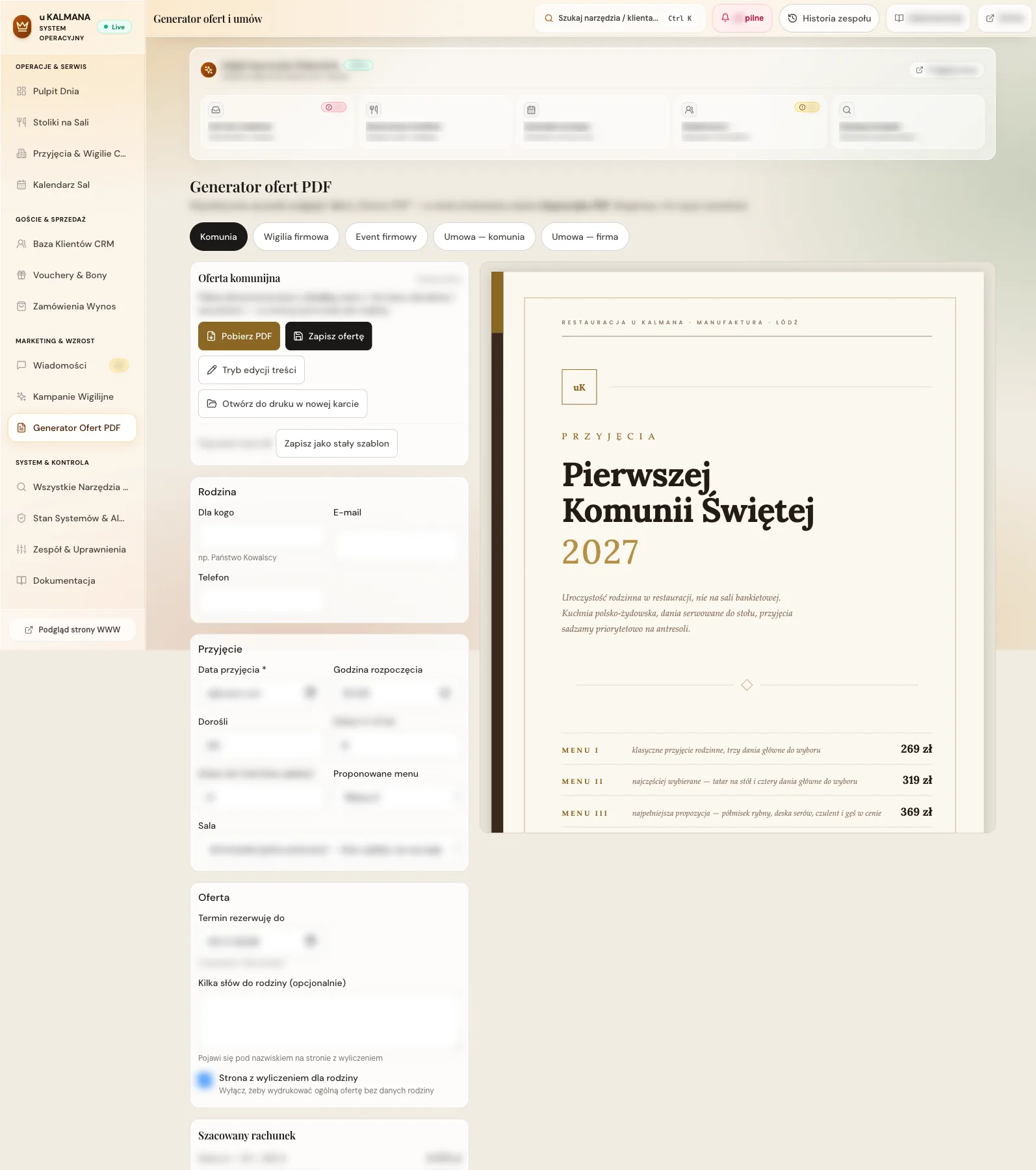
- One click on the case card produces a quote or contract as a PDF.
- Prices come from a price list edited in the panel, with version history.
- Standard enquiries get a quote automatically, and failed sends are retried.
Who for: catering, events, hotels, training, contractors, B2B services
Payment and deposit ledger on every caseLive in production
“Nobody knows who paid a deposit, what is outstanding, or whether the date is confirmed”
- The agreed amount, prepayment type and due date are recorded on the case card.
- Bank transfers and cash outside the payment system are logged with a receipt number — entries cannot be quietly changed.
- Once payments cover the deposit, the date is booked automatically.
Who for: B2B services, contractors, events, law firms
Online sales and payments
Gift card shop with one-click redemptionLive in production
“Vouchers are sold on paper, and redemption relies on a notebook and trust”
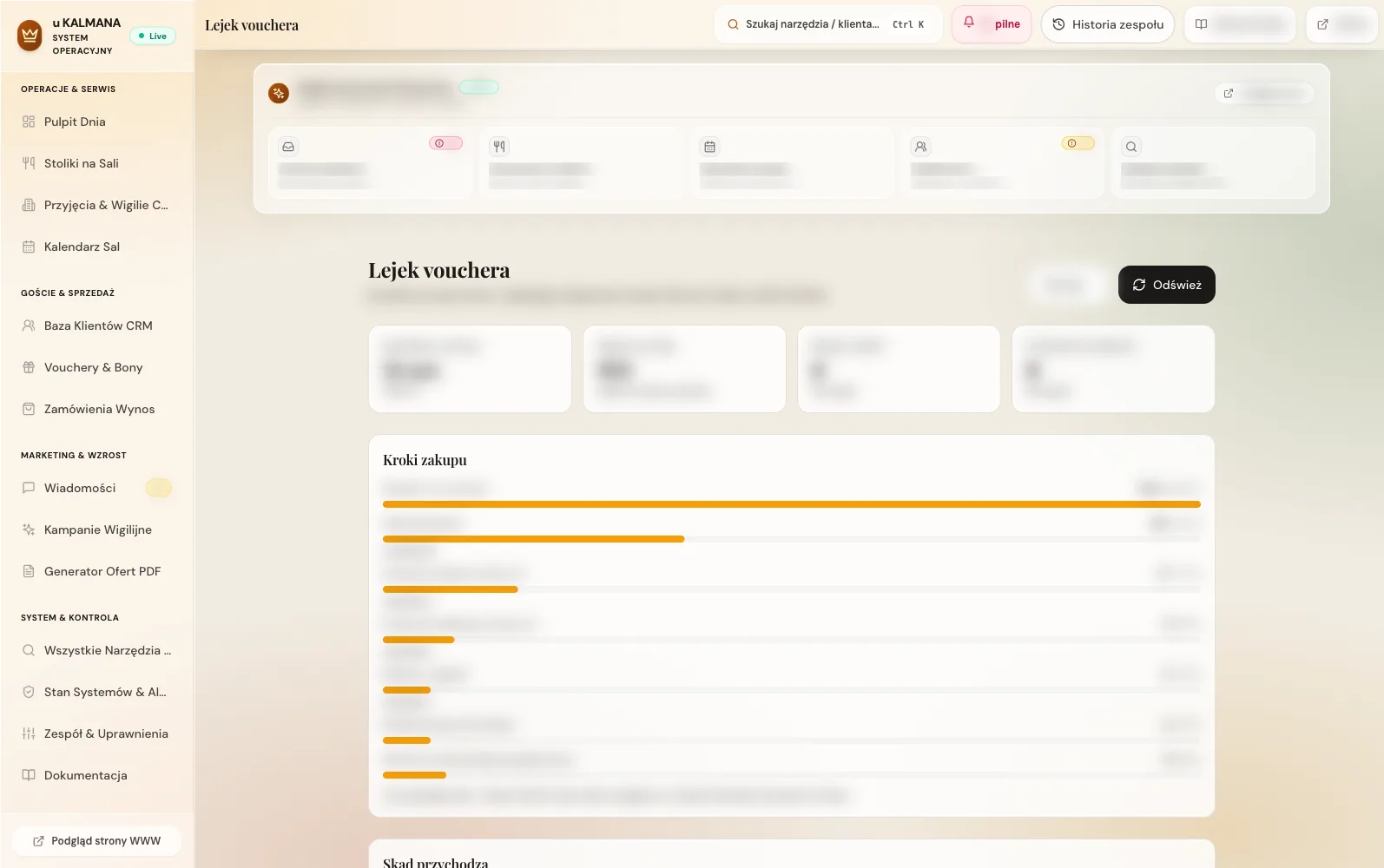
- A 3-step wizard: amount, personal message, payment by BLIK or card.
- After payment, the system generates a PDF with a code and emails it to the buyer.
- On site, staff enter the code — balance, expiry and single use are checked automatically.
Who for: spas, salons, hotels, driving schools, attractions, shops
Payment links sent from the panelLive in production
“We ask customers for a bank transfer and then keep checking the account to see if it arrived”
- Staff enter an amount and a note — the customer receives a payment link.
- Payment is marked automatically, and if it fails the customer gets a “try again” message.
- The same link is never created twice, even on a double click.
Who for: B2B services, freelancers, workshops, clinics (prepayments)
Seasonal sales campaigns with online payment and cart recoveryLive in production
“Holiday orders are taken over the phone and tracked in Excel”
- A seasonal page with the menu or offer, pickup slots and add-ons.
- Full payment or a deposit online, with the order going straight to the fulfilment panel.
- Abandoned carts get a reminder; unpaid orders expire on their own after the deadline.
Who for: patisseries, bakeries, catering, shops, event organisers
“Paid but nothing delivered” auditLive in production
“The customer paid, but the order was never created — and we find out from a complaint”
- Every hour, each successful payment is checked: is there a voucher, ticket or order in the database?
- No product means an immediate alert to the owner.
- Once a day, a full review of the past week.
Who for: any e-commerce or SaaS business taking online payments
Finance, KSeF and costs
Purchase invoices pulled from KSeF every hourLive in production
“Someone downloads invoices from KSeF (Poland’s National e-Invoicing System) by hand and passes them to the accountant”
- Every hour, the system logs in to KSeF 2.0 and downloads new invoices with their line items.
- It recognises the document type (correction, advance, simplified) and tags suppliers.
- Overdue invoices are included in the owner’s morning alert.
Who for: any Polish company using KSeF: trade, manufacturing, services, accounting firms
POS till sales visible in the panelLive in production
“Till reports and invoice costs live in two separate programs”
- Every hour, the system pulls payment and product reports from the till.
- Daily figures are saved without duplicates, alongside costs from KSeF.
- The owner sees takings and costs in one place.
Who for: hospitality, retail, clubs — anyone with a POS system
Production cost and profit and loss from invoicesIn development
“We do not know what we really earn on a product, because purchase prices keep changing”
- Recipes or usage standards multiplied by prices from KSeF invoices.
- Unit cost and the share of raw materials in the selling price, always up to date.
- The P&L combines costs, till sales and labour costs.
Who for: hospitality, catering, bakeries, manufacturing
Weekly supply audit and anomaly detectionLive in production
“Suppliers raise prices quietly, and losses only show up at stocktake”
- Every Monday, the system compares prices, deliveries and losses.
- It detects duplicate invoices, price jumps, new suppliers and gaps in numbering.
- It sends one email — only when it has found a problem.
Who for: hospitality, retail, warehouses, manufacturing
AI assistant and communication
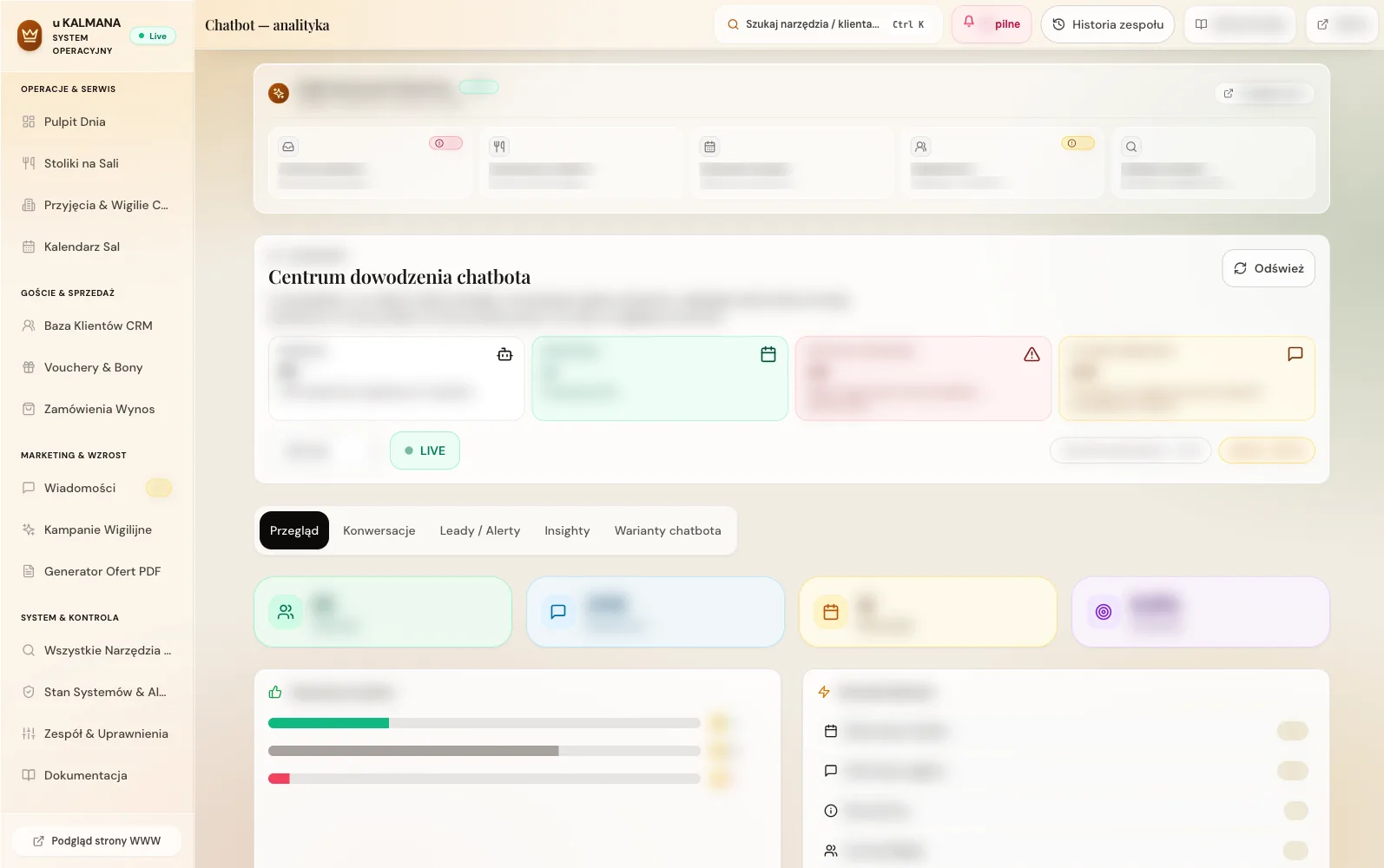
An AI assistant that carries out tasks, not just answers questionsLive in production
“The website chatbot can only point people to the contact form”
- The assistant knows the offer, prices, opening hours and blocked dates from the company database.
- It creates, checks, changes and cancels bookings itself (after verifying the customer).
- It collects leads, tracks down lost vouchers and hands unusual cases to a human.
- If the model fails, it switches to a backup; if the database fails, to the fallback queue.
Who for: hotels, salons, clinics, e-commerce, schools, service centres
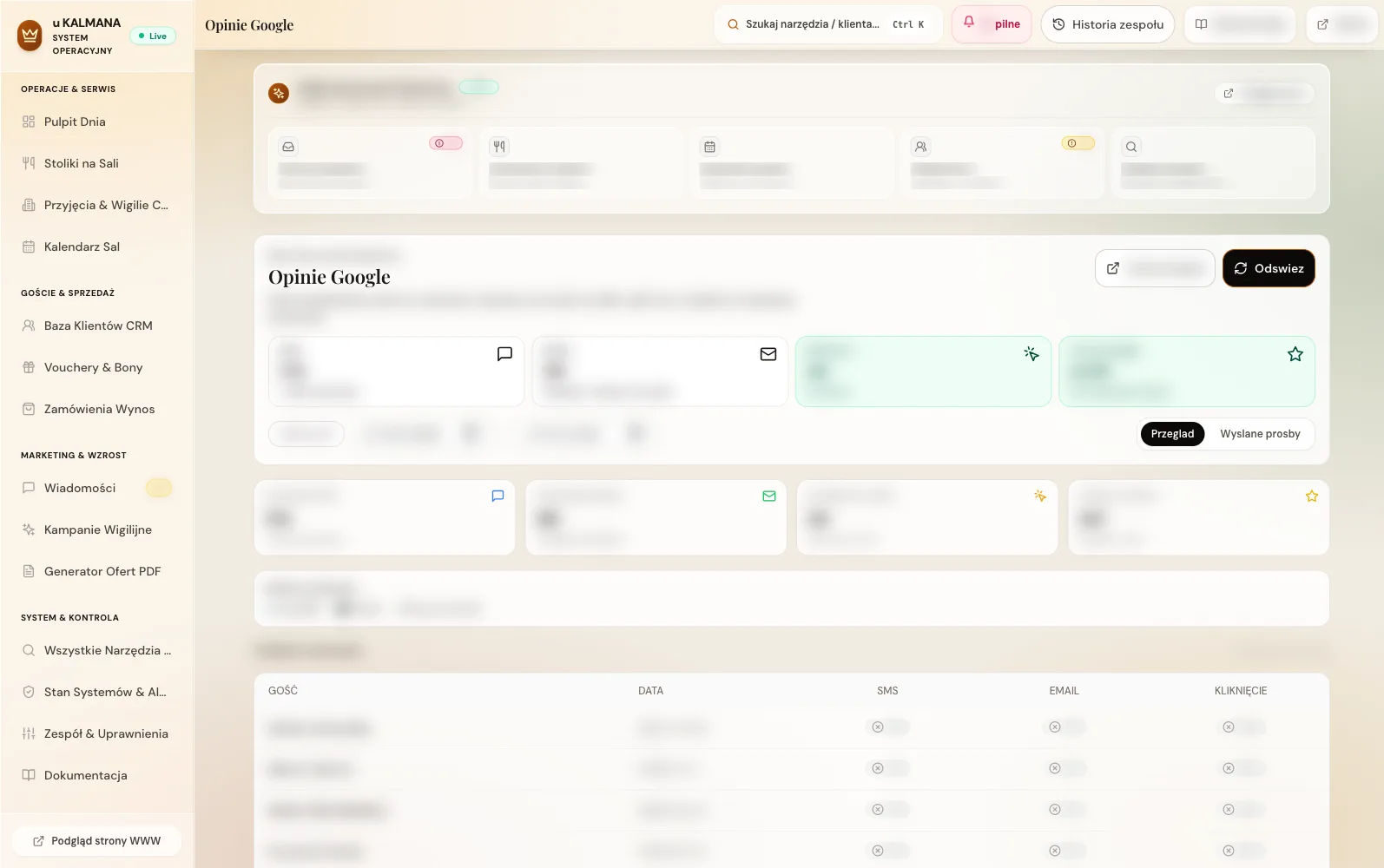
Google reviews with a ready-made draft replyLive in production
“We answer reviews once a quarter, because nobody has the time”
- Every hour, the system checks for new reviews on the Google profile.
- AI prepares a draft reply and sends it to the owner’s phone.
- A human publishes it — with a single copy and paste.
Who for: any local business: hospitality, healthcare, beauty, hotels
Reliable email and text delivery with a backup providerLive in production
“Emails to customers sometimes do not arrive, and nobody notices”
- A primary email provider, with automatic failover to a backup on error.
- Failed sends go back to the queue: 5 attempts, then a text message to the owner.
- Suppression list, bounces and one-click unsubscribe handled automatically.
Who for: any system that sends confirmations and invoices
Owner bot: every decision in one channel on your phoneLive in production
“The owner has to sit in five different programs to know what is going on”
- Daily and weekly reports, alerts, new reviews and calendar changes — in one chat.
- The bot never messages customers — it only informs and prepares drafts.
- It responds to commands only from the owner’s chat, with a secret key.
Who for: any business owner who is not sitting at a computer
Win-back of inactive customers and campaigns sent in batchesLive in production
“Regular customers stop coming, and we do not even know which ones”
- Every day, the system selects customers inactive for 30 to 365 days.
- It skips those who unsubscribed, have an upcoming booking or were contacted recently.
- Seasonal campaigns go out in batches, with a frequency cap and a consent check.
Who for: salons, clinics, e-commerce, gyms, car services, hotels
Owner panel and security
Owner panel with roles for the teamLive in production
“Staff have access to everything or to nothing”
- Separate panels for the owner, managers and staff accounts.
- A staff account only sees the screens it is allowed to — nothing by default.
- Every login and action is logged: who did what, and when.
Who for: any business with employees using the system
System watchdog and a daily database backup with a test restoreLive in production
“We hear about outages from customers, and nobody has ever checked the backup”
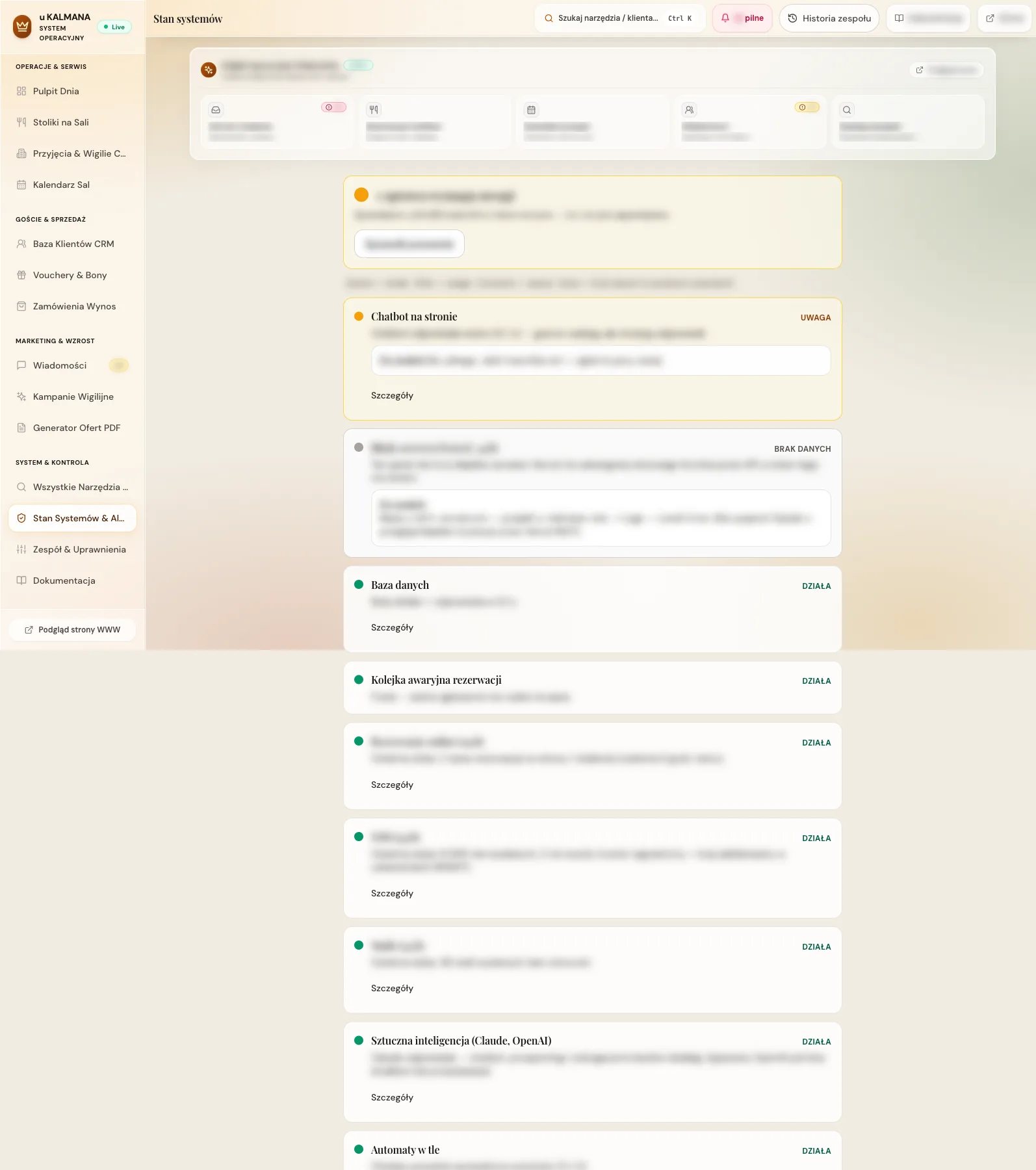
- Every 15 minutes, the watchdog checks the database and key external services.
- A problem means a text and a Telegram message to the owner, before a customer notices.
- Every day, an encrypted database backup is test-restored — so you know it will work.
Who for: any business whose system has to keep running
Staff rotaIn development
“The rota lives in Excel, and holiday requests in text messages”
- Employees, positions and shifts in a single grid.
- Absences — holiday, training, days off — visible straight away.
- Labour costs feed into the P&L.
Who for: hospitality, retail, hotels, clinics, shift-based businesses
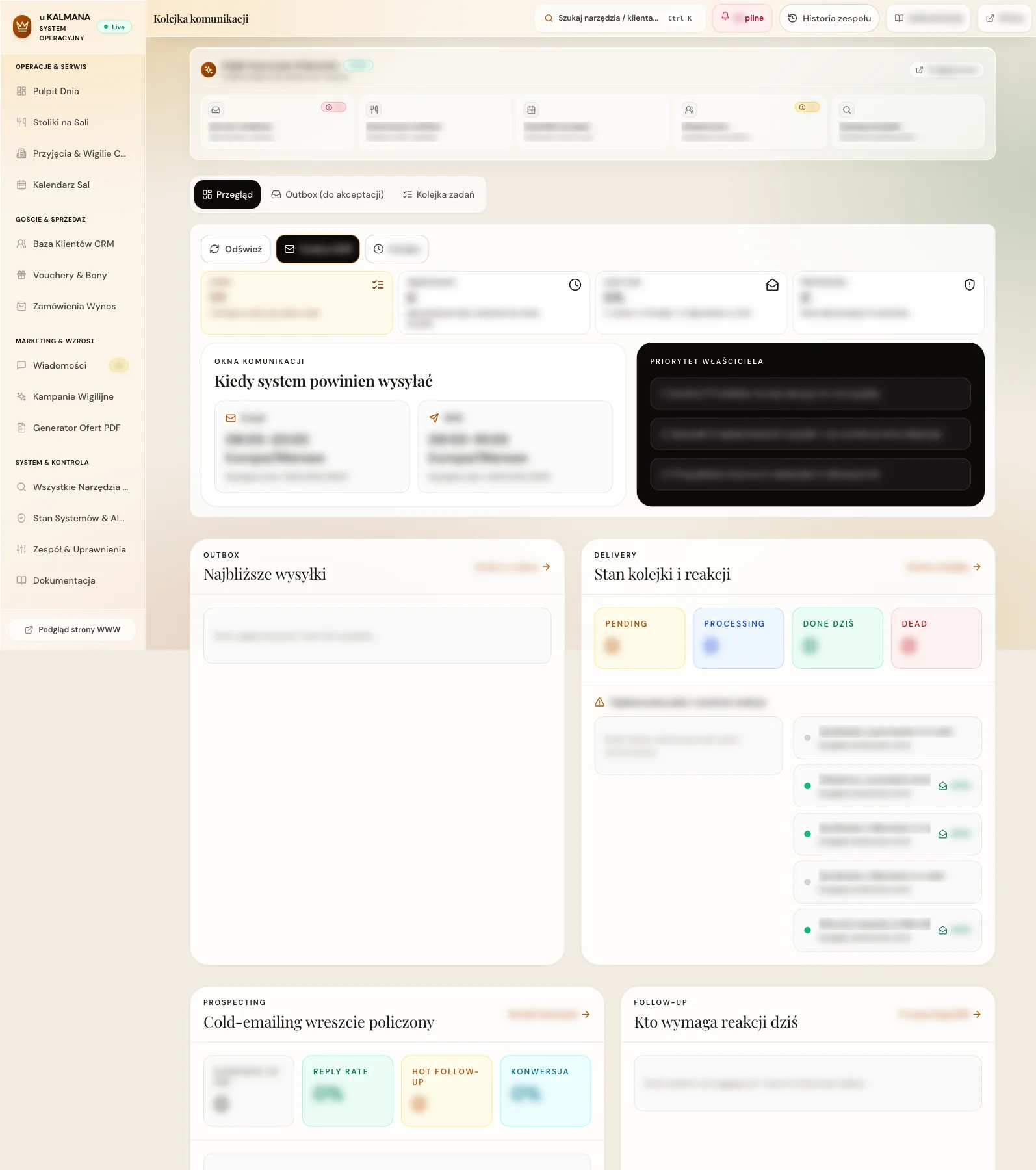
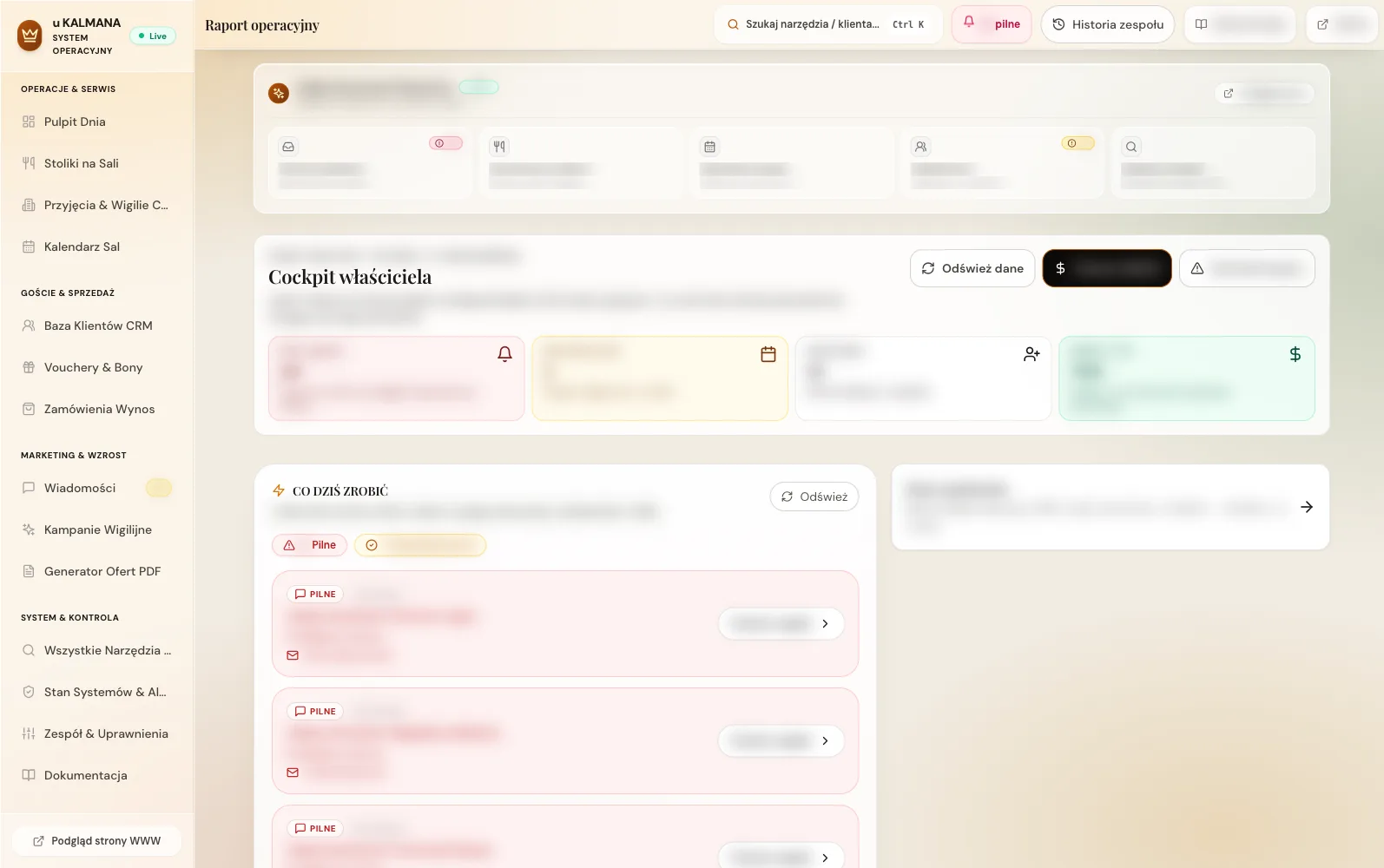
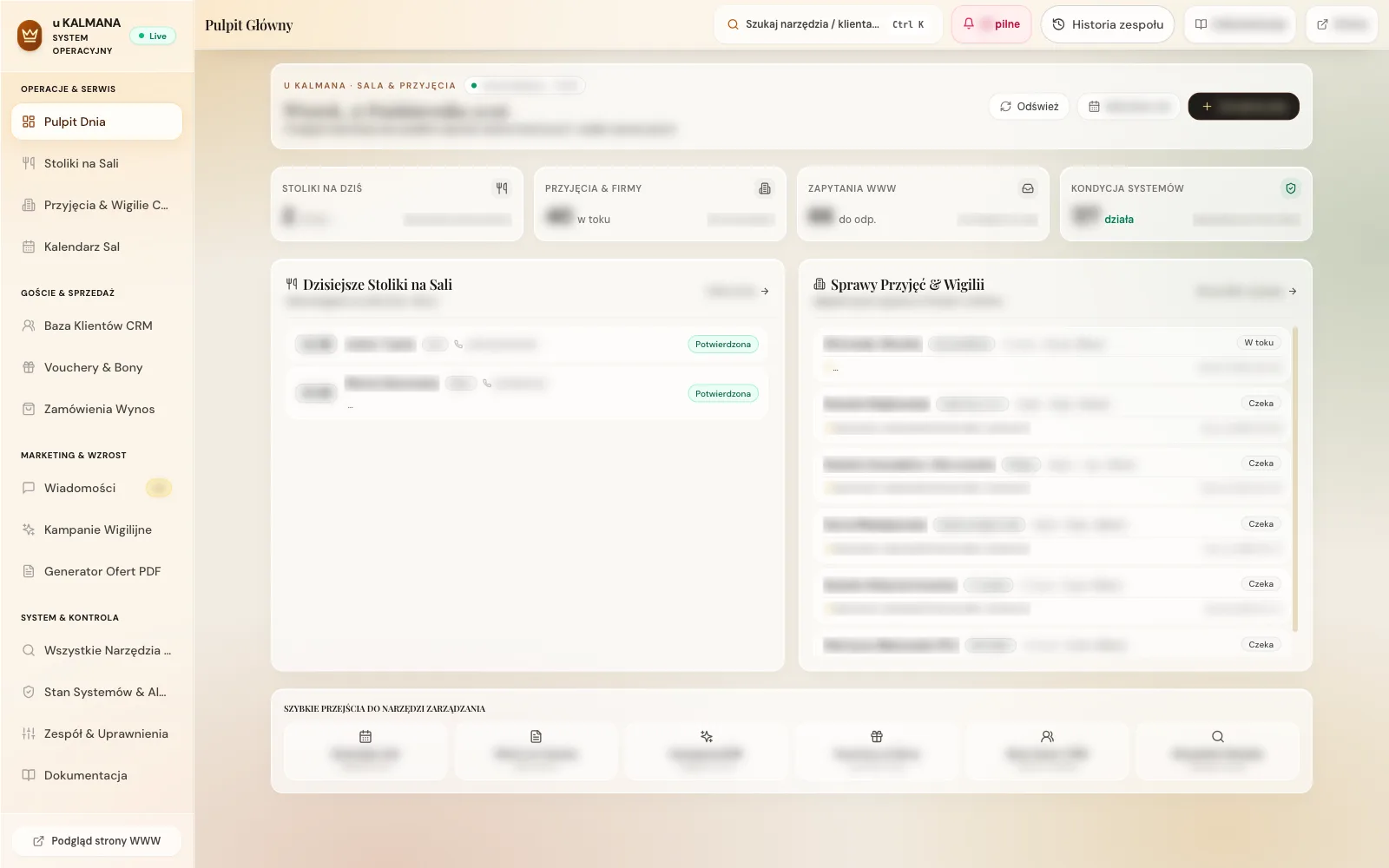
Real panel screens, data hidden
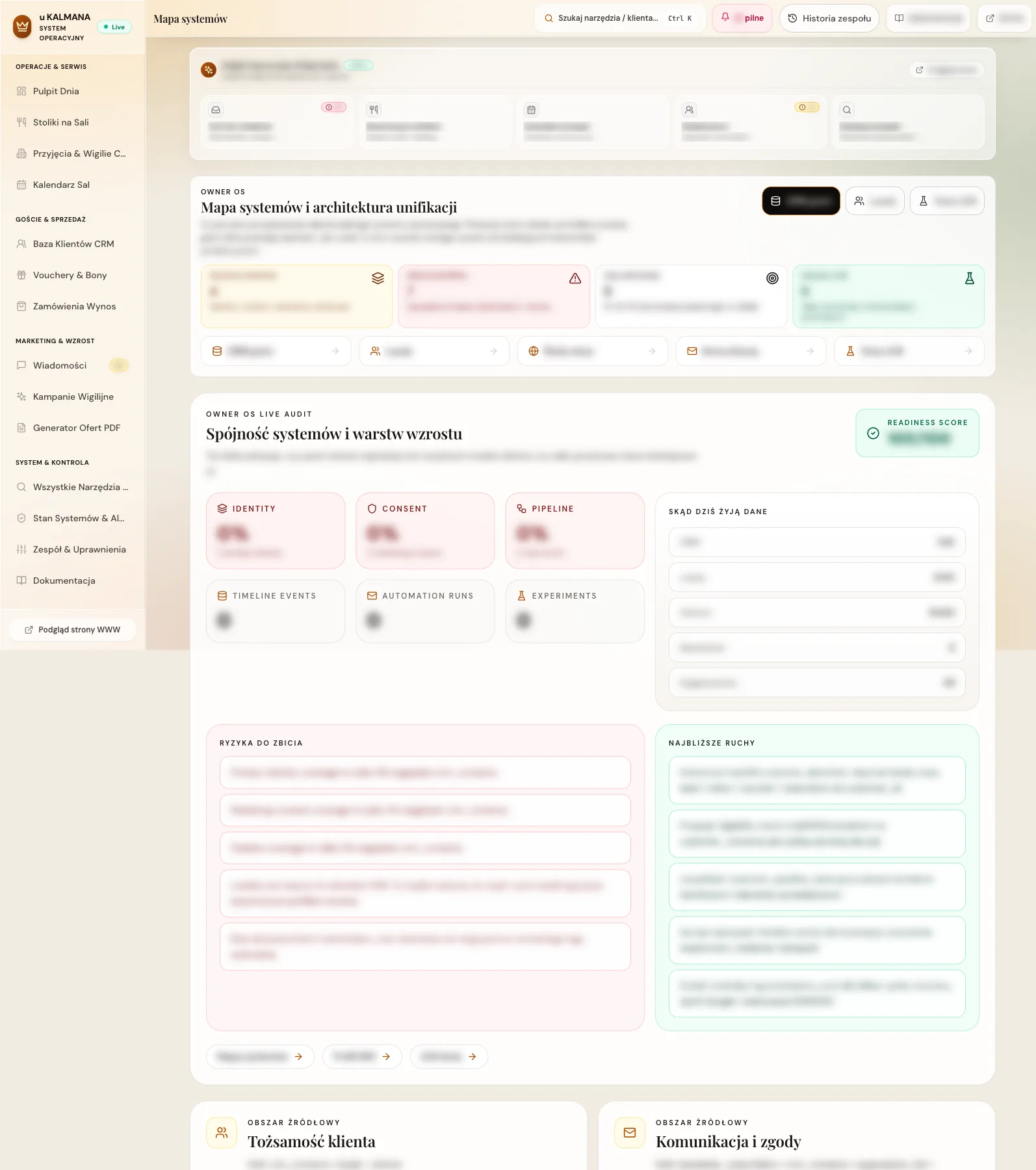
Other screens (8)
Size of the system
- 50+ scheduled automations running in the background
- 80+ panel screens for the owner, managers and staff
- 330+ API endpoints powering the system
- 500+ automated test files guarding against regressions
- 100+ database tables with row-level access rules
- 20+ external services connected into one workflow
Services I already connect
Which module would help your company?
Tell me what takes the most time today. I will point to the module worth starting with.